JS Mixer Troubleshooting: 5 Common Faults and Technical Fixes
A stalled mixer means a stalled site. Identify and resolve the most common HZS plant failures before they impact your timeline.
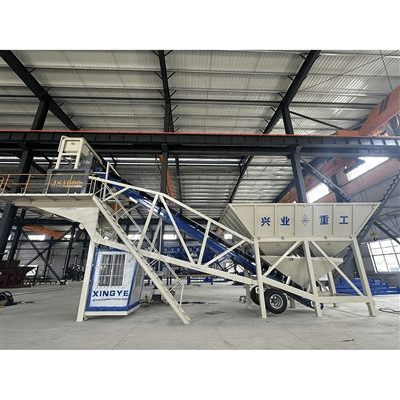
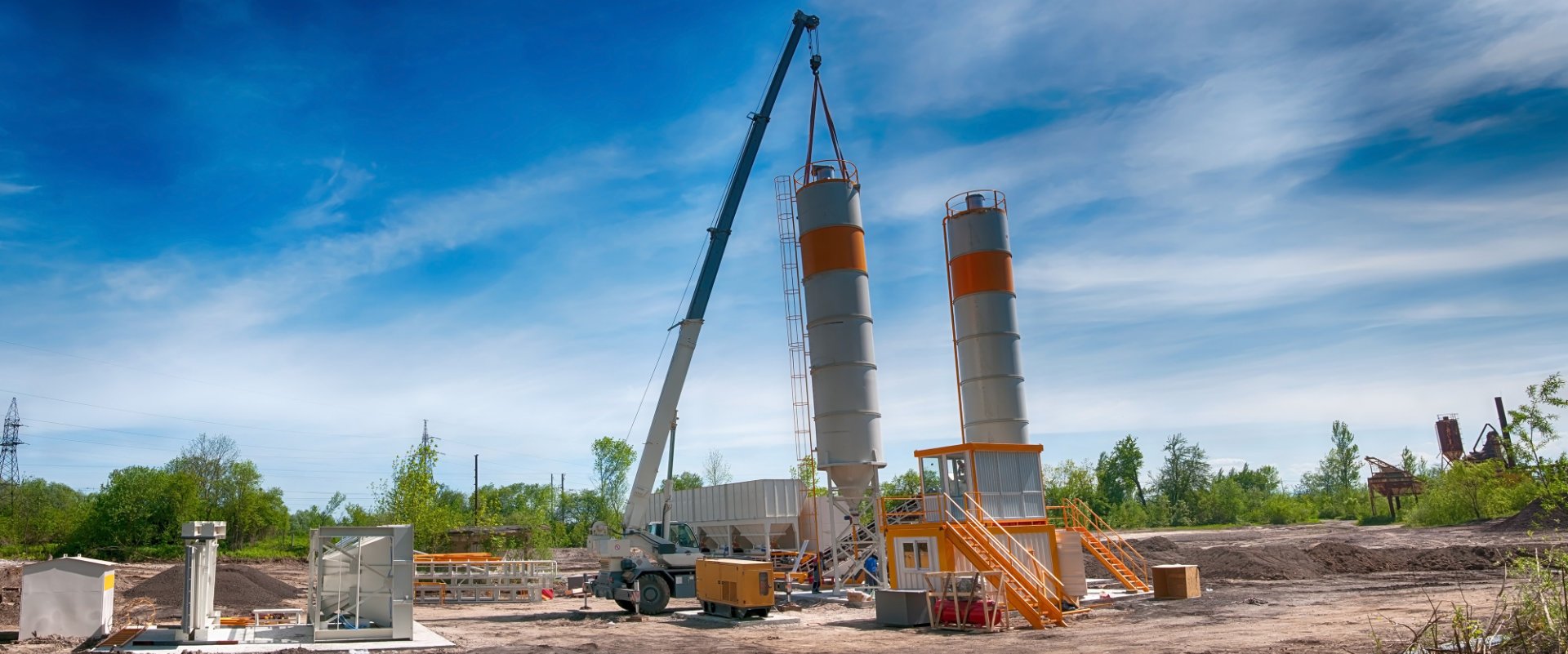
The mixer is the heart of any HZS-series concrete batching plant. When the main unit—typically a JS-series twin-shaft forced mixer—fails, the entire production chain grinds to a halt. For project managers in high-stakes environments like Saudi Arabia or Vietnam, every hour of downtime represents thousands of dollars in lost labor and wasted materials.
Based on 20 years of field engineering, Xingye Machinery has identified the most frequent technical hurdles and their engineering solutions.
1. The Mixer Fails to Start Under Load
This is often the most critical failure. If the mixer stops while full of wet concrete, you have a limited window before the material sets, potentially ruining the mixing blades and shaft liners.
- The Cause: Usually a triggered thermal overload relay or a failure in the electrical interlock system. In regions with high ambient temperatures, such as the Middle East, control cabinets can overheat, causing premature tripping.
- The Fix: Check the thermal relay settings and ensure they match the motor's rated current. Inspect the voltage stability; a drop of more than 5% can prevent the high-torque startup required for JS1000 or JS2000 models.
2. Discharge Door Signal Failures
A common "ghost" fault is when the discharge door physically closes, but the control system shows no signal, preventing the next batching cycle from starting.
In humid or dusty environments, proximity sensors are the first point of failure. Dust accumulation on the sensor face or a slight mechanical misalignment of the limit switch prevents the "Closed" signal from reaching the PLC.
3. Mechanical Jamming (Shaft Locking)
If the mixer "stutters" or stops abruptly, it is likely a mechanical jam. This is frequently caused by:
- Oversized Aggregate: Feeding stones larger than the mixer's rated capacity (e.g., >80mm for certain JS models).
- Blade-to-Liner Gap: If the gap between the mixing blade and the liner plate exceeds 5mm, small aggregates can wedge themselves, creating immense friction.
Troubleshooting Reference Table
| Fault Symptom | Probable Technical Cause | Engineering Solution |
|---|---|---|
| Motor humming but no rotation | Phase loss or low voltage | Check three-phase power balance and contactor integrity. |
| Discharge door won't open | Hydraulic pressure drop or solenoid failure | Check hydraulic oil levels and 24V DC solenoid coil resistance. |
| Abnormal shaft noise | Bearing lubrication failure | Inspect the automated lubrication pump and clear grease line blockages. |
| Belt conveyor won't start | Tension limit switch or emergency stop engaged | Reset E-stop and check belt tension sensor alignment. |
4. Belt Motor and Conveyor Synchronization
The inclined belt conveyor is often tied to the mixer's logic. If the flat belt or inclined belt fails to start, the mixer will not receive the aggregate. Often, this is not a motor failure but a safety interlock issue—if the mixer's "Ready" signal isn't received by the batching machine, the belts remain dormant to prevent material pile-up.
Preventative Maintenance: The Xingye Standard
To avoid these faults, we recommend a "Shift-Start" checklist:
- Lubrication: Ensure the end-shaft seals are receiving grease; this is the #1 defense against bearing failure.
- Clearance: Weekly checks of the blade-to-liner clearance.
- Sensors: Daily cleaning of proximity sensors on the discharge gate.
Need a detailed maintenance manual for your JS-series mixer or HZS plant? Contact our technical support team for a digital PDF guide or to discuss genuine spare parts availability in your region.
Related Posts :